Studios and gyms
Yoga studios and fitness clubs run group classes on a schedule — with a membership and sign-ups through the front desk or their own app.
Yoga & workouts
Short answer: a yoga class or a workout has a limited number of spots — mats in the room, equipment, or how many people a coach can handle. Usually sign-ups are kept in the chat by hand, and the coach counts the “+”s before every class. It’s easier when a bot does it right in the Telegram group: a spot limit, a waitlist, reminders and attendance — with no separate app for your students.
Yoga studios and fitness clubs run group classes on a schedule — with a membership and sign-ups through the front desk or their own app.
In summer, coaches run yoga and functional workouts in parks — often with sign-ups in a Telegram chat.
Many coaches keep their students in a Telegram group: the schedule, sign-ups and announcements all live there.
A coach or organizer needs to know in advance how many will come: whether there are enough mats, room and time for everyone.
for your students — or use the one you already have.
a recurring one — say, “every Tuesday at 19:00”, 12 spots. For a second weekday, create a second recurring event.
No spots left — they join the waitlist. Someone can’t make it — the next person gets the spot.
You see who comes regularly and who signs up and doesn’t show.

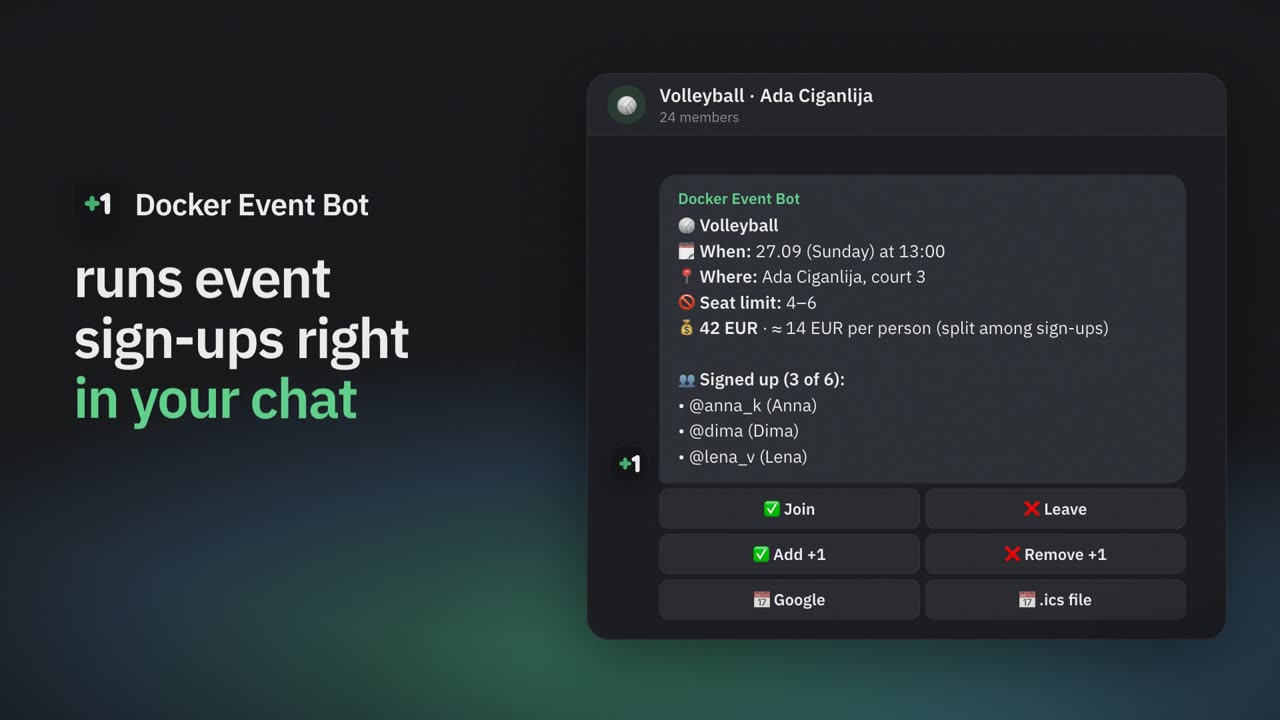
A class card: 12 of 12 mats taken, two people on the waitlist.
12 mats — the 13th person joins the waitlist instead of turning up to a full room.
Someone cancels — the spot goes to the next person right away, and the bot messages them privately.
A recurring class: the bot posts the sign-up card every week by itself.
Up to three reminders in private messages — say, a day and an hour before. Moved or cancelled — everyone gets a message with what was and what is now.
Attendance after class, streaks and medals — nice for students, and the coach sees who keeps coming.
If the group splits the room rent, the card shows the share per person and recalculates it. Money doesn’t go through the bot.
Add Docker Event Bot to your students’ group and create a recurring class with the number of spots. A card with a “Join” button appears on schedule by itself. All the ways compared — in the guide to sign-ups in Telegram groups.
Yes: enter how many people the room or the mats allow. When the spots run out, the next people join the waitlist and get a spot if someone cancels.
For one-on-one bookings with a coach or a specialist we have a sister bot — Docker Visit Bot. Docker Event Bot is for group classes.
No: the bot doesn’t take payments. If the group splits the rent, the card shows the share per person, and you collect the money yourself.
Yes: no subscription and no payments through the bot. Students don’t install anything — Telegram is enough.
Add the bot to your students’ chat — the first sign-up card is a minute away.